What you need
Use a calculator or Python with a two-link drawing. Define the elbow angle relative to the first link.
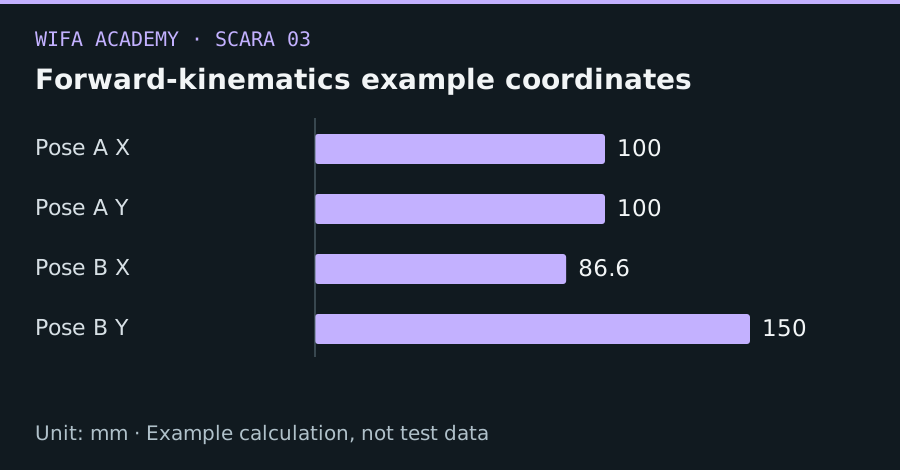
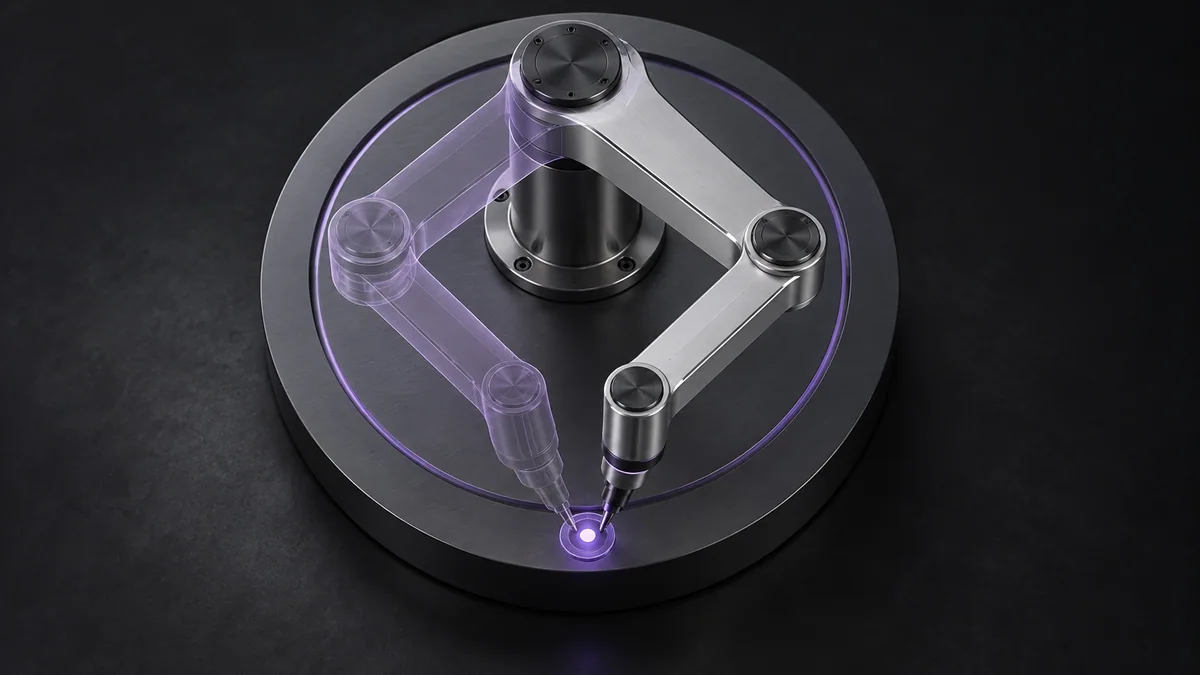
Read the diagram as a data table
| Condition or component | mm |
|---|---|
| Pose A X | 100 |
| Pose A Y | 100 |
| Pose B X | 86.6 |
| Pose B Y | 150 |
The calculation
x = L₁ cos θ₁ + L₂ cos(θ₁ + θ₂)
y = L₁ sin θ₁ + L₂ sin(θ₁ + θ₂)
Link lengths and x,y share one length unit. Trigonometric library functions normally expect radians.
Worked example
With L₁=L₂=100 mm, θ₁=0° and θ₂=90°, the result is (100,100) mm. At θ₁=30° and θ₂=60°, the result is approximately (86.60,150.00) mm. The second link uses the sum of the two angles.
Try it step by step
- Draw a straight-arm zero pose and mark each positive rotation direction before writing code.
- Implement the equations in a pure function with explicit input units and no hardware communication.
- Test straight, folded and right-angle configurations whose positions can be checked geometrically.
- Compare the function with the simulator and measured unpowered geometry before using encoder readings.
Offline starter code
This snippet processes local data only; it sends no robot commands.
from math import cos, sin, radians
def fk(q1_deg, q2_deg, l1=100.0, l2=100.0):
    q1, q2 = radians(q1_deg), radians(q2_deg)
    return (l1*cos(q1)+l2*cos(q1+q2),
            l1*sin(q1)+l2*sin(q1+q2))
print(fk(0, 90))  # (100, 100), approximately
How to check the result
Known poses must agree to numerical precision in simulation. Physical discrepancies should be investigated as calibration, compliance or measurement issues.
Common mistake to avoid
Using θ₂ alone for the second link treats it as an absolute angle. That is incorrect for the relative-joint convention used here.
Reference reading
Primary references for the underlying models, APIs or application context. The worked numbers and plots above are educational calculations, not results reported by these sources.